
Schedules Overview
The Schedules Overview contains all scheduled (follow-up) transactions to a register transaction within the IXOPAY platform. In the Overview you have the option to pause, continue, retry or cancel an existing schedule or to create a new schedule. With the Schedules Filter you can narrow down your results by filtering according to various data points.
- Navigate to the Transactions section, sub-section Schedules. All scheduled transactions are listed in this overview.
- Filter to refine the search results (see Filter Table)
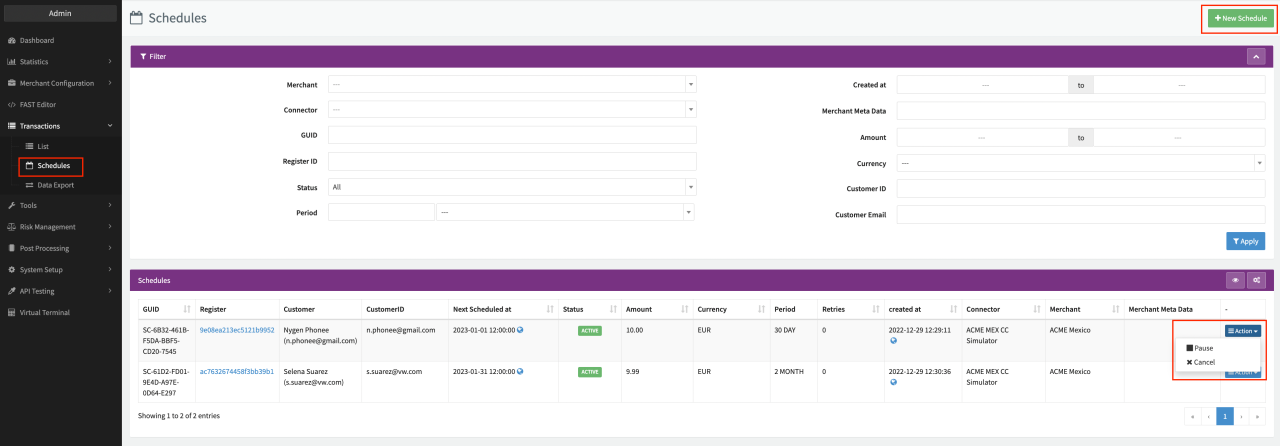 Schedules Overview
For each schedule, the Transaction Details of the related Register Transaction will show the Follow-Up Transactions performed by the schedule and the Attached Schedules to the Register Transaction. Follow the link to the related Register Transaction in the Register column.
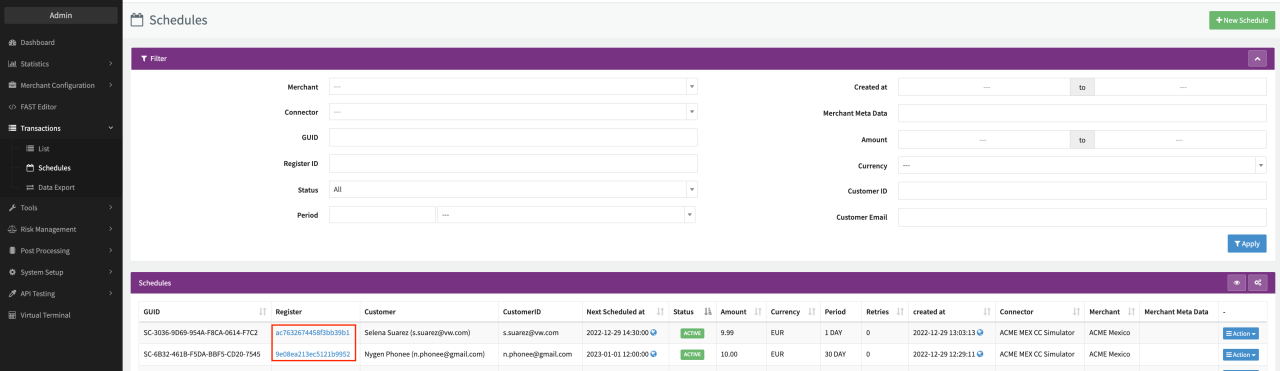 Schedules Overview
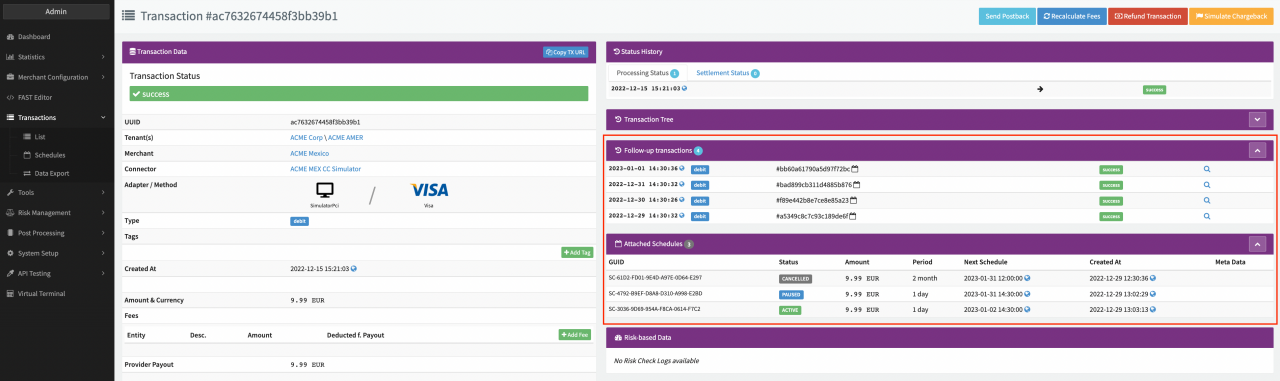 Transaction Details